Introduction: The Challenge of a Silent Rig
Building a quiet PC might seem straightforward — just pick low-noise components and add sound dampening. However, anyone who has attempted to create a truly silent high-performance system knows it's far more complex. The reality is that powerful hardware generates significant heat, and managing that heat without turning your PC into a jet engine requires careful planning, component selection, and often compromise. In this article, we'll explore why achieving quiet operation is so difficult, especially with high-power PCs, and provide actionable tips to make your rig as silent as possible.
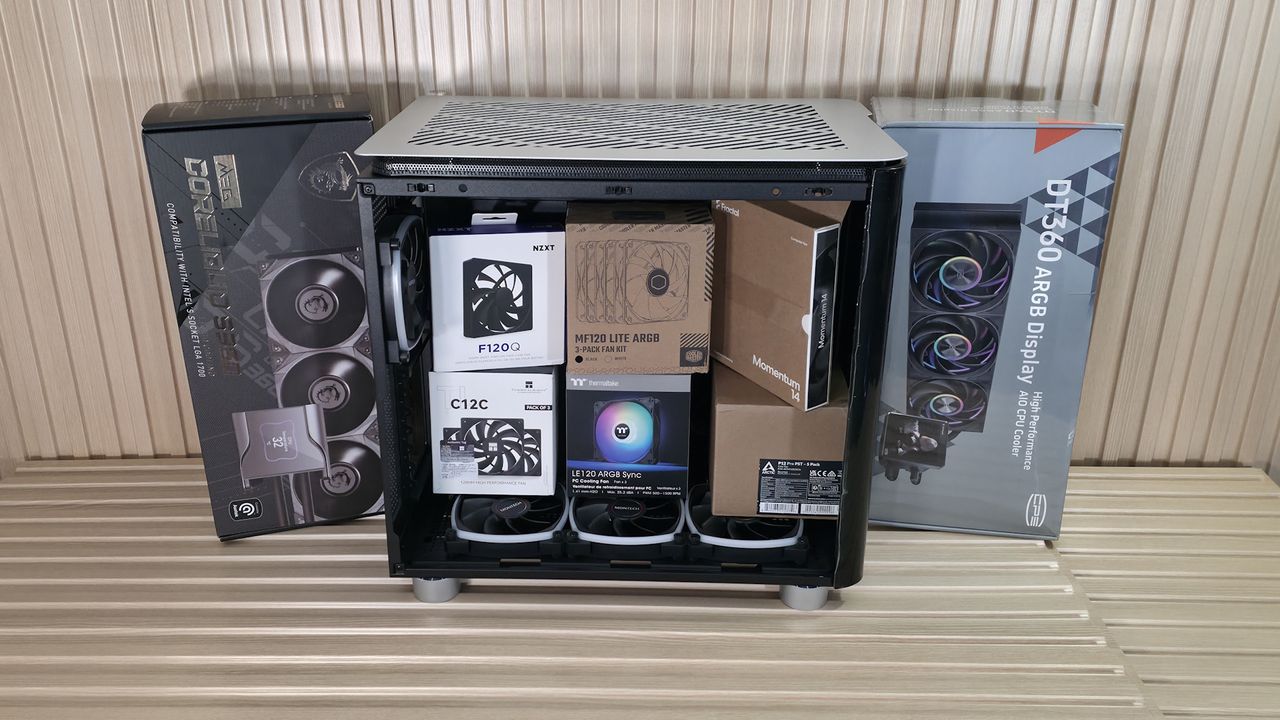
The Main Noise Culprits
CPU and GPU Fans
The biggest sources of noise in most PCs are the fans cooling the processor and graphics card. Under load, these fans spin faster to dissipate heat, creating audible whirring or whooshing sounds. High-end CPUs and GPUs can demand substantial cooling, forcing fans to run at high RPMs. Even premium fans produce noise when at full speed, and the turbulence from air passing through tight heatsinks adds to the sound.
Power Supply and Case Fans
The power supply unit (PSU) often has its own fan, and many builds include several case fans for overall airflow. Cheap PSUs with low-quality fans can be surprisingly loud. Case fans, especially if poorly positioned or mismatched with airflow paths, can create harmonic vibrations or turbulence. Additionally, fan bearing types (sleeve, ball, fluid dynamic) affect noise levels over time.
Mechanical Drives and Coil Whine
While SSDs are silent, older mechanical hard drives produce clicks and vibrations. More frustrating is coil whine — an electrical buzzing from capacitors or inductors on the motherboard, GPU, or PSU. This high-pitched noise is often present during heavy gaming or rendering and can be extremely annoying. It's difficult to eliminate without swapping components.
Why High Power Makes Quiet Builds More Difficult
Thermal Demands
High-performance CPUs and GPUs consume more power, which translates to more heat. For example, a flagship processor pulling 250W under load generates significantly more heat than a 65W mainstream chip. To keep temperatures safe, cooling systems must move more air — and moving more air usually means faster fan speeds. This creates a direct conflict with noise reduction goals.
Airflow vs. Noise
Efficient cooling requires good airflow through the case, but unrestricted airflow often leads to turbulence and noise. Adding dust filters, mesh panels, or sound-dampening foam can reduce noise but can also choke airflow, making fans work harder. Balancing these factors is a delicate art. Many enthusiasts find that even with large low-speed fans, the sheer volume of air needed for a hot system produces noticeable sound.
Essential Strategies for a Quieter PC
Choose the Right Components
Start with energy-efficient parts. A CPU with a lower TDP (thermal design power) will generate less heat, requiring less aggressive cooling. Similarly, select a GPU known for good cooling solutions — models with large heatsinks and three fans can often run quieter than single-fan versions. Consider using fanless PSUs if your system's power draw is low enough, or choose PSUs with high-quality fluid dynamic bearing fans. For storage, rely solely on SSDs.
Optimize Fan Curves and Placement
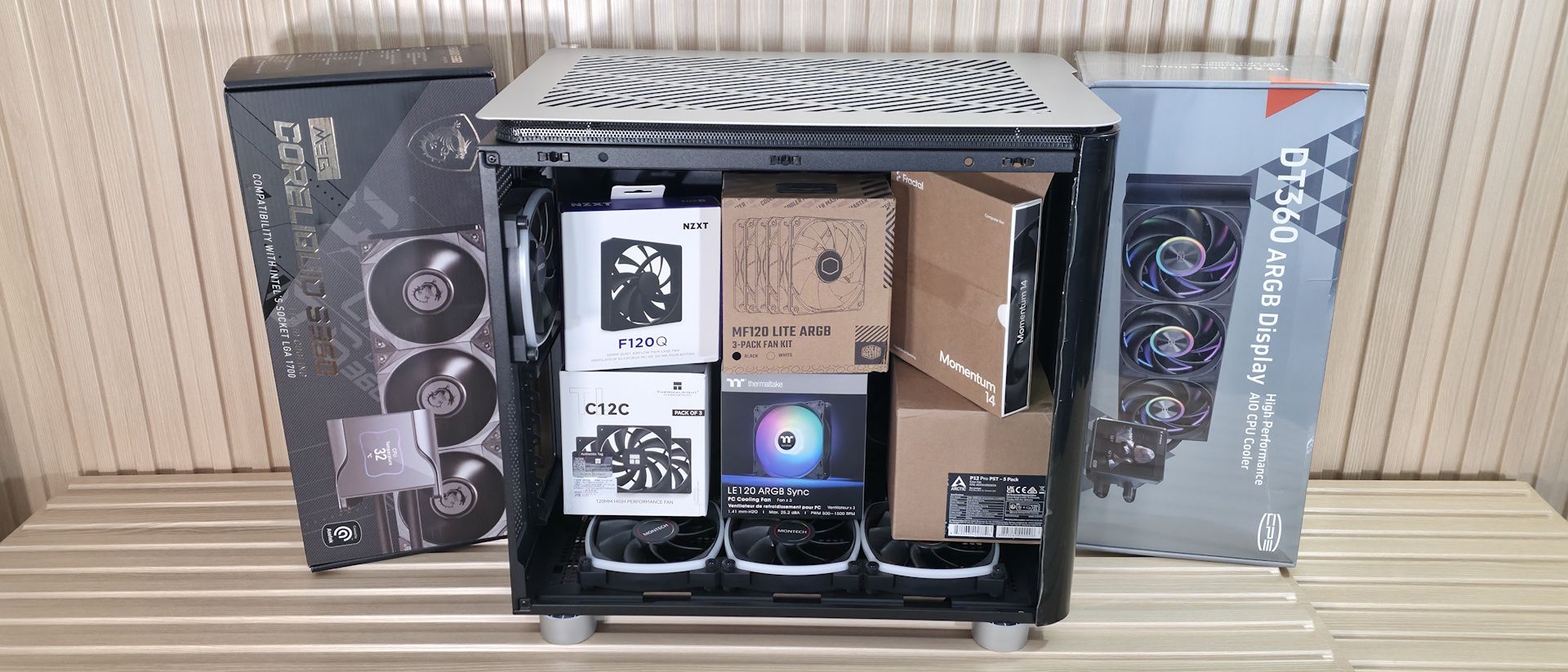
Set custom fan curves in your BIOS or software so fans run slowly at low temperatures and only ramp up when necessary. Use larger-diameter fans (140mm or 200mm) that can move the same air at lower RPMs, producing less noise. Position fans for straight, unobstructed airflow paths — avoid having them blow directly against obstacles like cable bundles. Consider a positive pressure setup with filtered intakes to reduce dust buildup.
Use Sound Dampening Materials
Apply acoustic foam panels inside the case to absorb vibration and muffle fan noise. Many cases come with foam pre-installed, but you can add extra on side panels and the top. However, ensure you don't block critical vent areas. Also, use rubber fan mounts or silicone grommets to decouple fans from the case, preventing resonance.
Consider Liquid Cooling
All-in-one (AIO) liquid coolers can be quieter than air coolers because they move the heat to a large radiator, where fans can run slowly. Custom loops allow even better performance and silence, though they come with complexity and cost. Liquid cooling also helps eliminate the need for a loud CPU fan directly above the motherboard.
Common Mistakes to Avoid
- Ignoring coil whine: If you're sensitive to high-pitched noise, research specific GPU and PSU models that are reported to be coil-whine-free.
- Using too few fans: One or two small fans spinning at high speed can be louder than several larger fans at low speed. More fans = slower spin = quieter.
- Neglecting cable management: Loose cables disrupt airflow and cause turbulence. Use zip ties and routing channels.
- Oversizing the PSU: A power supply operating at low load often has its fan off or very slow, but a huge PSU may never reach efficient load, keeping the fan on longer.
- Placing the case in a resonant location: A wooden desk or hollow shelf can amplify vibrations. Use foam feet or place the PC on a solid surface.
Conclusion: Patience Pays Off
Building a quiet PC is harder than you think, especially with high-power components. But it is entirely possible with thoughtful choices and some extra effort. Focus on heat generation first, then optimizing fan behavior and case design. Don't be afraid to experiment — sometimes the simplest change, like swapping a single fan or adjusting a curve, can make a world of difference. Your ears will thank you.